POS screen, laptop or tablet
Use Tajriba POS in your browser. Choose a fixed checkout for your store or a device you can take to fairs and events.
From POS screens and scanners to receipt printers and payment terminals. Put together your checkout and discuss installation of Tajriba POS.
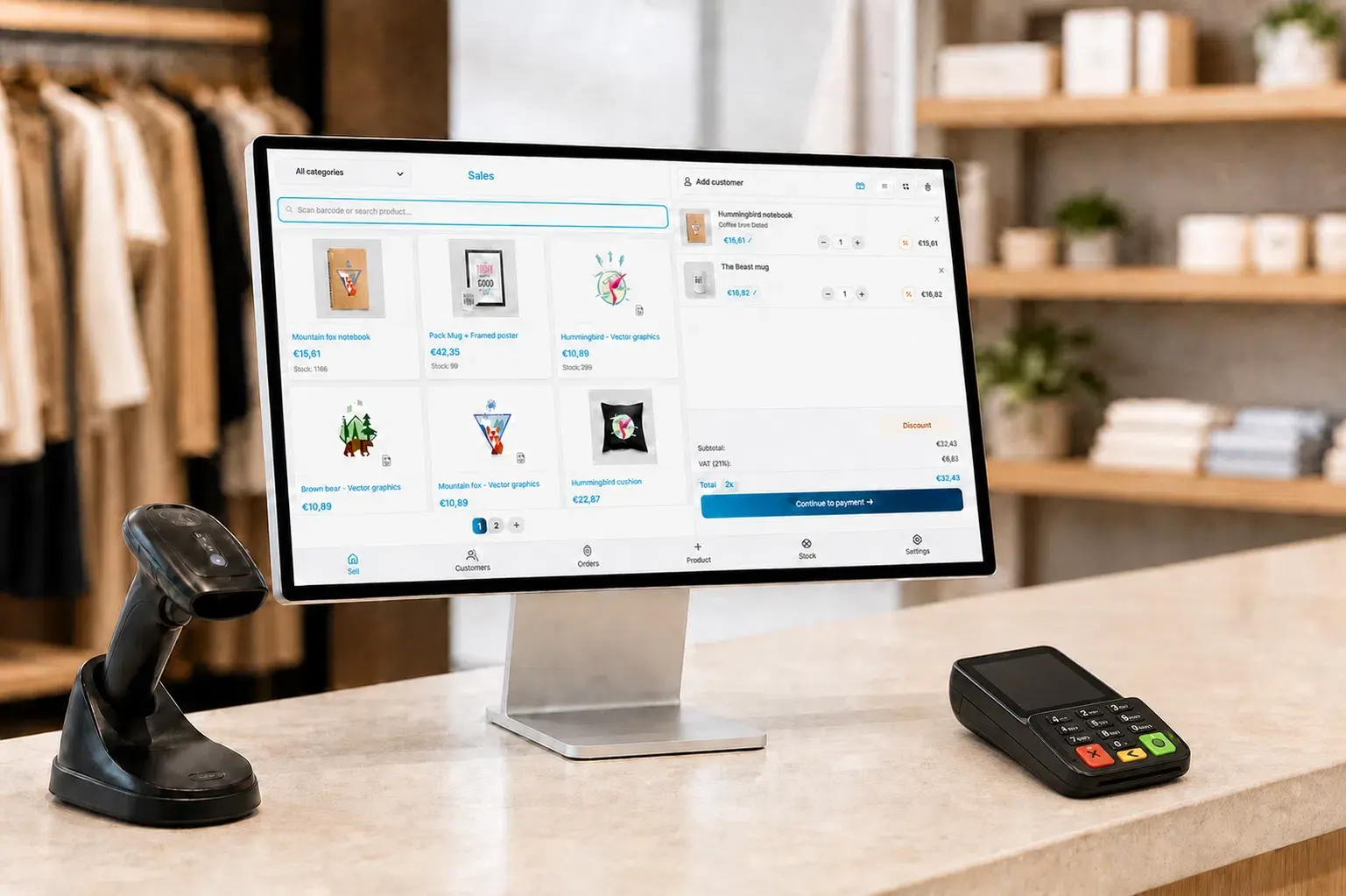
Use Tajriba POS on a computer, laptop or tablet and connect the equipment you need. We help you choose between your existing hardware and a complete new setup.
Choose the equipment that suits the way you sell.
Use Tajriba POS in your browser. Choose a fixed checkout for your store or a device you can take to fairs and events.
Find products by scanning their barcodes. We check which scanner and connection suit your device beforehand.
Print receipts and set up your checkout for cash payments. We help match the printer, drawer and connections.
Print barcode and price labels for your products. Discuss the printer model and the labels you want to use beforehand.
Connect a suitable terminal through your payment provider. Availability depends on the provider, terminal and your chosen plan.
Show the cart on a second screen and let customers enter their email address for the receipt. This feature is part of PLUS.
Send us the brands and models of your printer, scanner, cash drawer and payment terminal. Include the device you want to use for Tajriba POS and its available connections. We can then assess which equipment you can keep using.
Installation and configuration assistance are available on request. We discuss the help you need and its costs beforehand.
On-site installation is available in the Netherlands and Belgium. Pricing on request.
We review your webshop, store, equipment and payment provider and agree on what is needed.
We help configure Tajriba POS and connect the agreed printers and other equipment.
Run a test sale and check the payment, receipt and inventory. Discuss the guidance your team needs.
POS hardware is not included in the software subscription. New equipment and installation assistance are discussed separately. Your payment provider sets the rates for transactions and payment terminals.